Inside the PennyCrew app
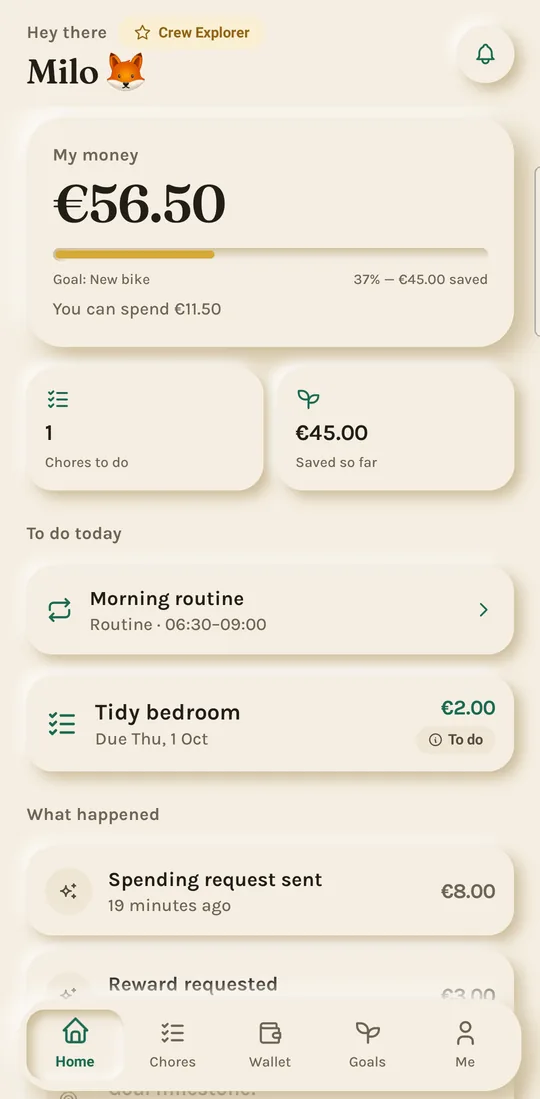
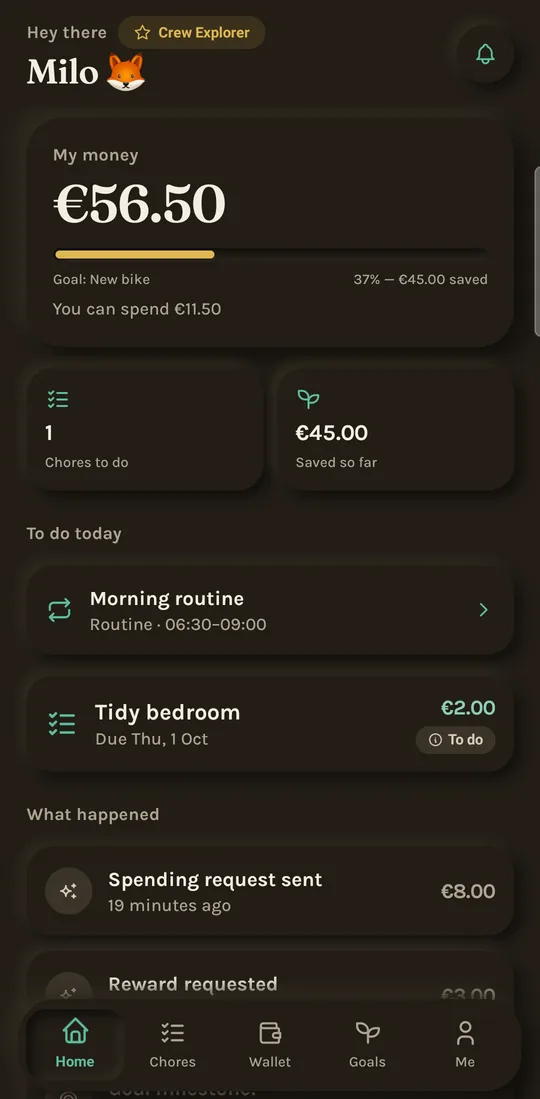
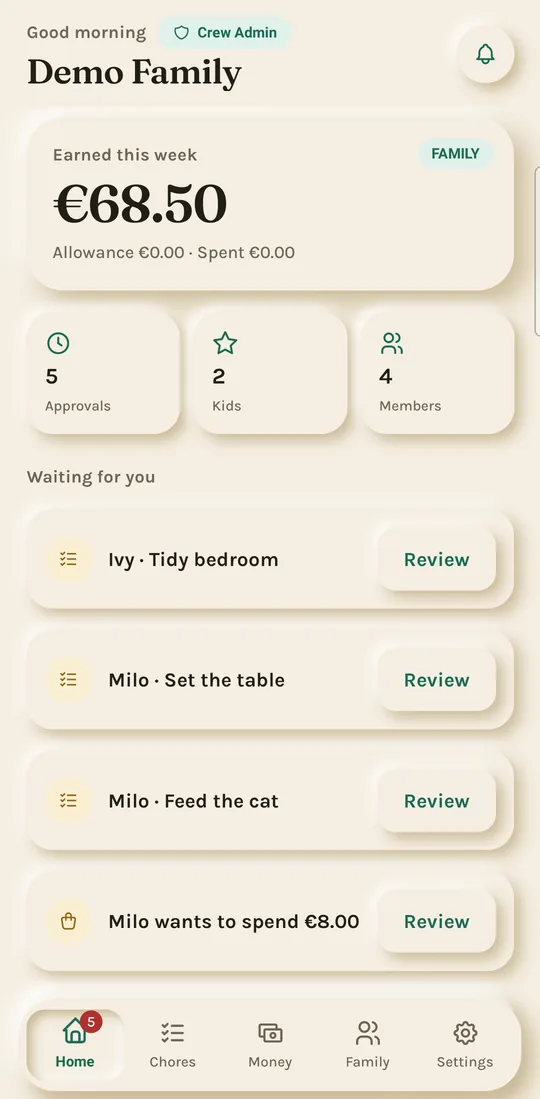
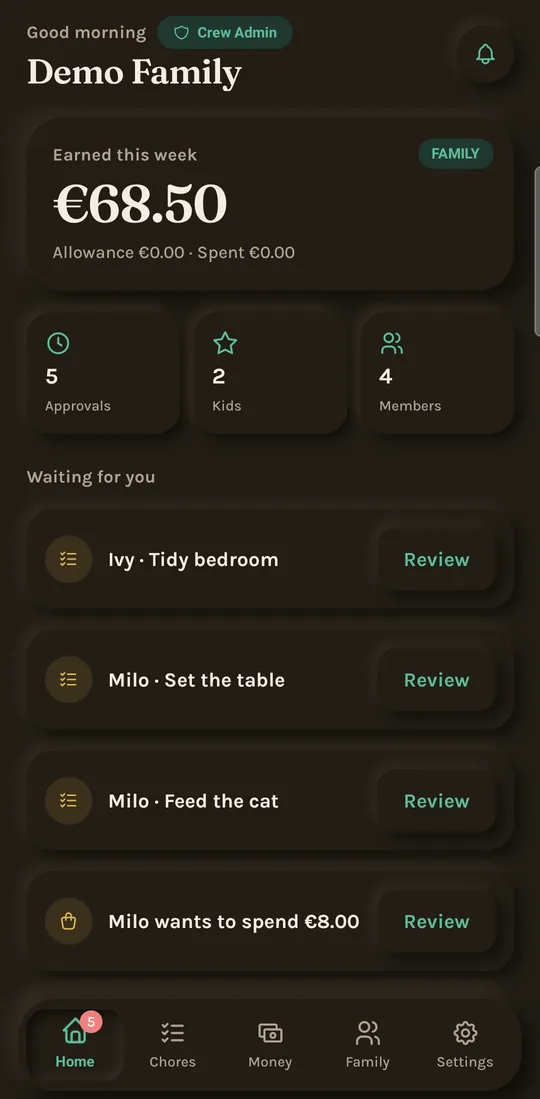
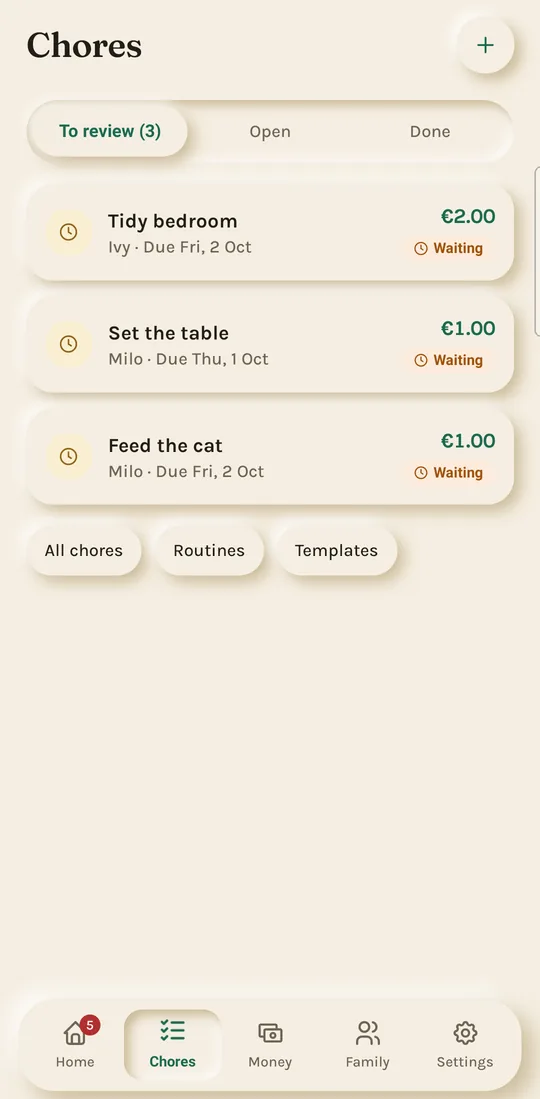
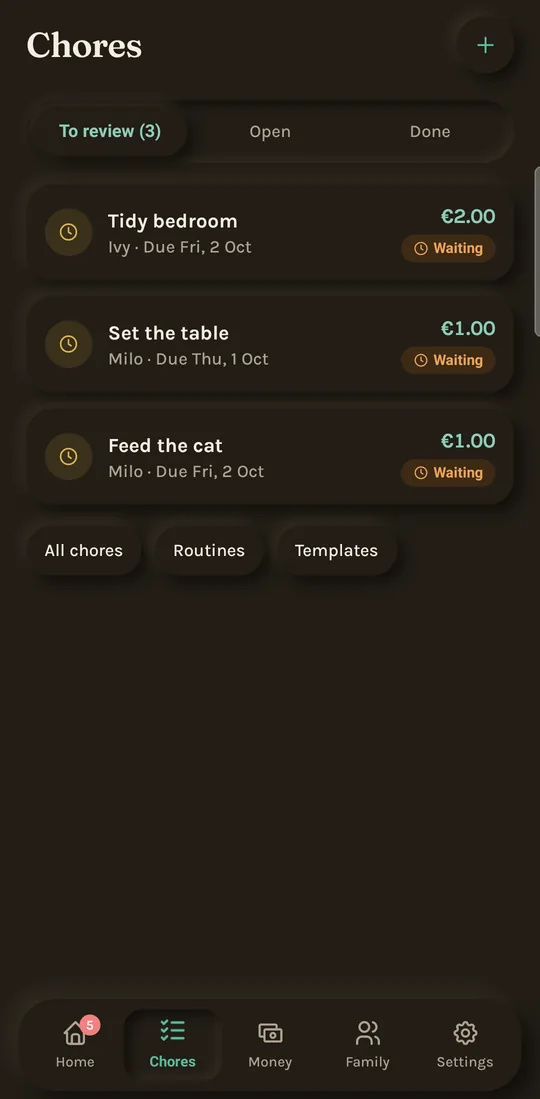
The same app adapts to each role: parents and partners manage, kids learn. These are real screens from the app, shown with a sample family.
For parents
One queue for every decision
Chores waiting for review, reward requests and spending requests arrive in one place. Approve, send back, or approve a smaller amount. Each decision is recorded in the kid's history.
Chores & routines
Proof before payment
Chores can require a photo. Kids submit, parents review, and only approved chores add to a balance. Daily routines let kids tick off steps like brushing teeth or packing a school bag.
For kids
A wallet that teaches
Kids see what they can spend and what they are saving for. They move money into goals, keep a wishlist, and ask before they spend, on their own phone or a shared family device.